





What Is Virtualization? How It Works, Types, Benefits and Applications
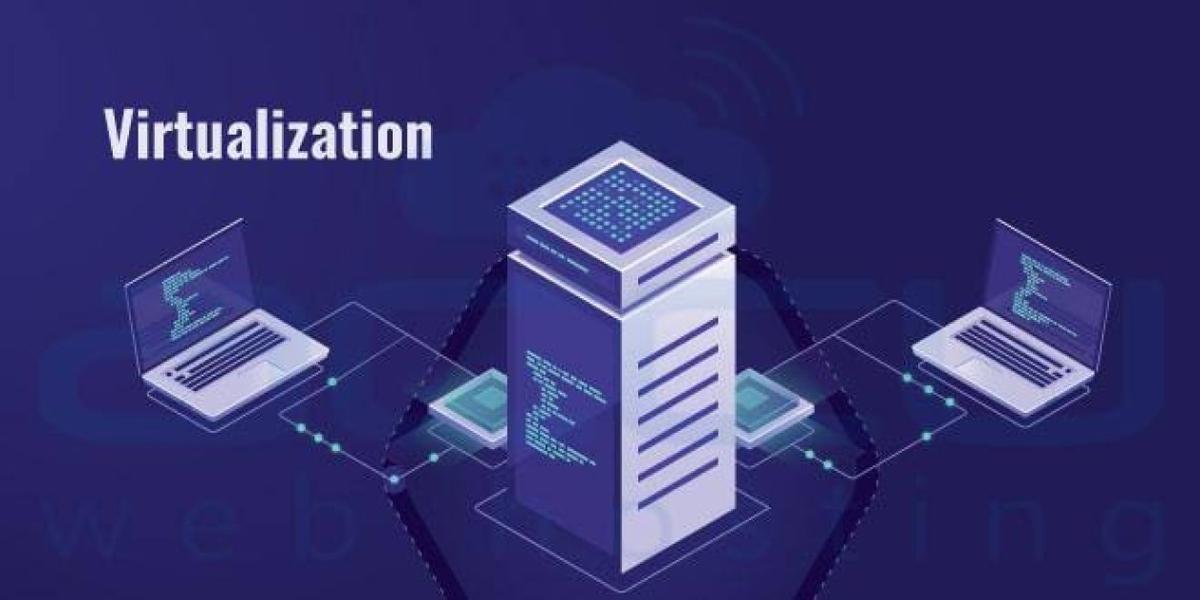
Virtualization is a technology that allows multiple virtual versions of computing resources—such as servers, operating systems, storage, or networks—to run on a single physical machine. Instead of dedicating one physical server to one application, virtualization enables organizations to maximize hardware utilization by creating multiple isolated virtual environments on the same hardware.
Virtualization is a cornerstone of modern cloud computing, enterprise data centers, software development, disaster recovery, and IT infrastructure management.
What Is Virtualization?

Virtualization is the process of creating virtual versions of physical computing resources so multiple independent environments can share the same hardware securely and efficiently.
How Virtualization Works
Virtualization software, known as a hypervisor, sits between the physical hardware and the virtual machines (VMs). The hypervisor allocates resources such as CPU, memory, storage, and networking to each virtual machine, allowing multiple operating systems and applications to run independently on the same physical server.
Why Virtualization Matters
Virtualization helps organizations reduce hardware costs, improve resource utilization, simplify IT management, and deploy applications more quickly while supporting cloud computing and business continuity.
Key Components of Virtualization
Several technologies work together to enable virtualization.
Hypervisor
A hypervisor creates and manages virtual machines by allocating hardware resources.
Virtual Machine (VM)
A virtual machine is a software-based computer that runs its own operating system and applications as though it were a physical device.
Host Machine
The host is the physical computer or server that provides hardware resources to virtual machines.
Guest Operating System
Each virtual machine runs its own operating system, known as the guest operating system.
Virtual Storage and Networking
Storage devices and network connections can also be virtualized, allowing flexible resource allocation and simplified management.
Types of Virtualization
Virtualization can be applied to many parts of an IT environment.
Server Virtualization
Multiple virtual servers run independently on a single physical server, improving hardware utilization.
Desktop Virtualization
Desktop operating systems run in centralized environments and are accessed remotely by users.
Storage Virtualization
Physical storage resources are combined into a single logical storage pool for easier management.
Network Virtualization
Network resources are abstracted into software-defined networks, improving flexibility and scalability.
Application Virtualization
Applications run in isolated environments without being installed directly on the user's operating system.
Operating System Virtualization
Multiple isolated operating system environments share the same operating system kernel, commonly through container technologies.
Common Applications of Virtualization
Virtualization supports a wide variety of industries and use cases.
Cloud Computing
Cloud providers use virtualization to deliver scalable computing resources on demand.
Data Centers
Organizations consolidate physical servers to reduce hardware requirements and operating costs.
Software Development
Developers create isolated environments for testing, debugging, and deploying applications.
Disaster Recovery
Virtual machines can be backed up and restored more quickly than many traditional physical servers.
Education
Educational institutions use virtual environments for computer labs and technical training.
Business Continuity
Organizations maintain virtual replicas of critical systems to reduce downtime during unexpected failures.
Benefits of Virtualization
Virtualization offers numerous business and technical advantages.
Better Hardware Utilization
Multiple workloads share the same physical infrastructure, reducing idle resources.
Lower Costs
Organizations spend less on servers, power, cooling, and physical data center space.
Faster Deployment
New virtual machines can often be created in minutes rather than requiring new hardware.
Improved Scalability
Resources can be adjusted as business needs change.
Simplified Backup and Recovery
Virtual environments make it easier to back up, replicate, and restore systems.
Challenges of Virtualization
Despite its advantages, virtualization presents several considerations.
Resource Contention
Poor resource allocation may reduce performance if many virtual machines compete for the same hardware.
Licensing Costs
Some virtualization platforms and enterprise management tools require commercial licenses.
Security Risks
A vulnerability in the virtualization layer could potentially affect multiple virtual machines if not properly managed.
Management Complexity
Large virtual environments require monitoring, automation, and careful resource planning.
Best Practices for Virtualization
Organizations should follow these recommendations.
Monitor Resource Usage
Track CPU, memory, storage, and network utilization to maintain performance.
Keep Hypervisors Updated
Apply software updates and security patches regularly.
Implement Strong Security
Use role-based access controls, network segmentation, encryption, and Multi-Factor Authentication (MFA).
Back Up Virtual Machines
Perform regular backups and test disaster recovery procedures.
Avoid Over-Provisioning
Allocate resources based on actual workload requirements to prevent performance bottlenecks.
Virtualization vs. Cloud Computing
These technologies are closely related but not identical.
Virtualization
Virtualization is the technology that creates multiple virtual computing environments on physical hardware.
Cloud Computing
Cloud computing delivers computing services—including virtual machines, storage, databases, and applications—over the internet, often using virtualization as one of its underlying technologies.
In other words, virtualization enables efficient resource sharing, while cloud computing provides on-demand access to those resources as a service.
Future of Virtualization
Virtualization continues to evolve through cloud-native architectures, containerization, edge computing, Artificial Intelligence, software-defined infrastructure, and hybrid cloud environments. AI-powered management platforms are improving workload placement, predictive maintenance, and resource optimization, while lightweight virtualization technologies continue to increase efficiency. As organizations modernize their IT infrastructure, virtualization will remain a critical technology supporting cloud services, enterprise applications, and digital transformation.
Conclusion
Virtualization has transformed modern computing by allowing multiple virtual systems to run on a single physical machine. By improving hardware utilization, reducing costs, simplifying management, and enabling cloud computing, virtualization has become a fundamental technology for businesses, data centers, and IT professionals. As cloud platforms and digital infrastructure continue to grow, virtualization will remain an essential building block of modern enterprise computing.
 What Is Virtualization? Complete Guide Explained in Detail FAQs
POST A COMMENT (0)
All Comments (0)
Replies (0)