





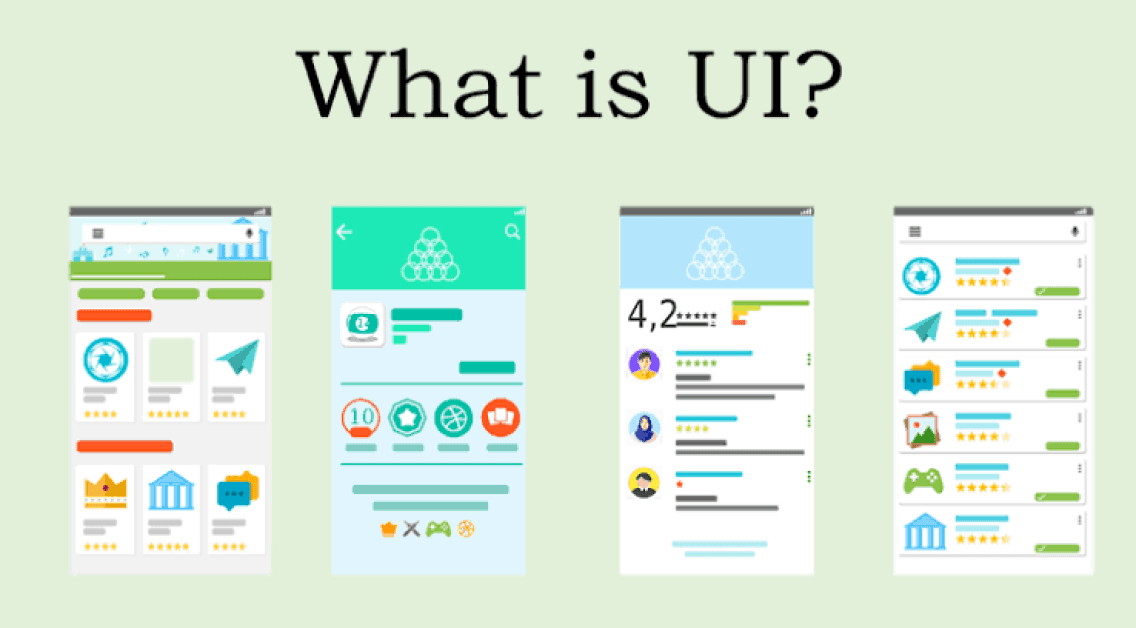
What Is UI Design? User Interface Design Explained
User Interface (UI) Design is the process of designing the visual elements and interactive components of digital products such as websites, mobile apps, desktop software, and smart devices. UI design focuses on how a product looks, feels, and responds when users interact with it, ensuring that interfaces are visually appealing, consistent, and easy to use.
Every button you tap, menu you open, icon you recognize, or form you complete is part of the user interface designed to make digital interactions simple and intuitive.
What Is UI Design?

UI design is the practice of creating the visual layout and interactive elements that enable users to communicate with digital products effectively.
How UI Design Works
UI designers create screens, layouts, buttons, icons, navigation menus, typography, colors, and animations that guide users through an application or website. They work closely with UX designers, developers, and product teams to ensure that the interface not only looks attractive but also supports a smooth and efficient user experience.
Why UI Design Matters
A well-designed interface helps users complete tasks quickly, reduces confusion, strengthens brand identity, and improves overall satisfaction with a product.
Key Principles of UI Design
Successful UI design is built on several core principles.
Clarity
Interface elements should be easy to understand and communicate their purpose clearly.
Consistency
Colors, typography, spacing, buttons, and navigation should remain consistent throughout the product.
Simplicity
Avoid unnecessary visual clutter so users can focus on completing their tasks.
Visual Hierarchy
Important information and actions should stand out through size, color, spacing, and placement.
Feedback
The interface should provide immediate responses to user actions, such as button animations, loading indicators, or confirmation messages.
Accessibility
Interfaces should be usable by people with diverse abilities through readable text, sufficient color contrast, keyboard support, and other accessibility features.
Key Elements of UI Design
UI designers create many visual and interactive components.
Layout
The arrangement of content and interface elements on each screen.
Typography
The selection and organization of fonts to improve readability and visual appeal.
Color Palette
Colors establish branding, improve usability, and guide user attention.
Buttons
Interactive controls that allow users to perform actions.
Icons
Simple visual symbols that help users recognize features quickly.
Forms
Input fields, checkboxes, dropdown menus, and other controls used to collect information.
Navigation
Menus, tabs, sidebars, and navigation bars help users move through the application.
The UI Design Process
UI design generally follows a structured workflow.
Understand Requirements
Review user needs, business goals, and product objectives.
Create Wireframes
Develop basic layouts showing screen structure before adding visual design.
Design Visual Interfaces
Apply colors, typography, icons, spacing, imagery, and branding elements.
Build Interactive Prototypes
Create clickable prototypes that simulate user interactions.
Test the Interface
Evaluate usability, accessibility, responsiveness, and visual consistency.
Refine and Improve
Update designs based on testing results, stakeholder feedback, and user input.
Benefits of Good UI Design
Effective UI design provides many advantages.
Better User Experience
Visually organized interfaces make products easier and more enjoyable to use.
Higher Customer Satisfaction
Users are more likely to return to products that are intuitive and attractive.
Improved Brand Recognition
Consistent visual design strengthens a company's identity and professionalism.
Increased Engagement
Well-designed interfaces encourage users to explore features and complete tasks.
Reduced Learning Curve
Clear navigation and familiar design patterns help users learn products more quickly.
UI Design vs. UX Design
Although closely related, these disciplines have different focuses.
UI Design
Focuses on the visual appearance and interactive components of a product, including layouts, colors, typography, icons, and animations.
UX Design
Focuses on the overall user experience, including research, usability, workflows, accessibility, and solving user problems.
In simple terms:
- UX Design focuses on how the product works.
- UI Design focuses on how the product looks and feels.
Both are essential for creating successful digital products.
Challenges of UI Design
Despite its importance, UI design presents several challenges.
Device Compatibility
Interfaces must work across different screen sizes, operating systems, and devices.
Accessibility Requirements
Designers must ensure products remain usable for all users.
Balancing Creativity and Usability
Visually impressive designs should never compromise usability.
Evolving Design Trends
UI designers continuously adapt to new technologies, interaction methods, and design standards.
Best Practices for UI Design
Organizations should follow these recommendations.
Maintain Consistency
Use standardized design systems and reusable components.
Prioritize Accessibility
Design interfaces that support users with diverse abilities.
Keep Navigation Simple
Make important actions easy to find and understand.
Optimize for Mobile
Ensure interfaces perform well on smartphones and tablets.
Test with Real Users
Validate design decisions through usability testing before launch.
Future of UI Design
UI design continues to evolve through Artificial Intelligence, voice interfaces, gesture controls, Augmented Reality (AR), Virtual Reality (VR), Mixed Reality (MR), and spatial computing. AI-powered design tools assist with layout generation, interface optimization, accessibility improvements, and personalized experiences. As digital products become more immersive and intelligent, UI designers will increasingly create interfaces that adapt dynamically to user preferences, devices, and contexts.
Conclusion
UI design is a critical part of creating modern digital products by shaping how users interact with websites, mobile apps, software, and connected devices. Through thoughtful layouts, visual consistency, intuitive navigation, and accessibility, UI designers help make technology easier, faster, and more enjoyable to use. As emerging technologies continue to reshape digital experiences, UI design will remain a key driver of successful products and user engagement.
 What Is UI Design? Complete Guide to User Interface Design FAQs
POST A COMMENT (0)
All Comments (0)
Replies (0)