





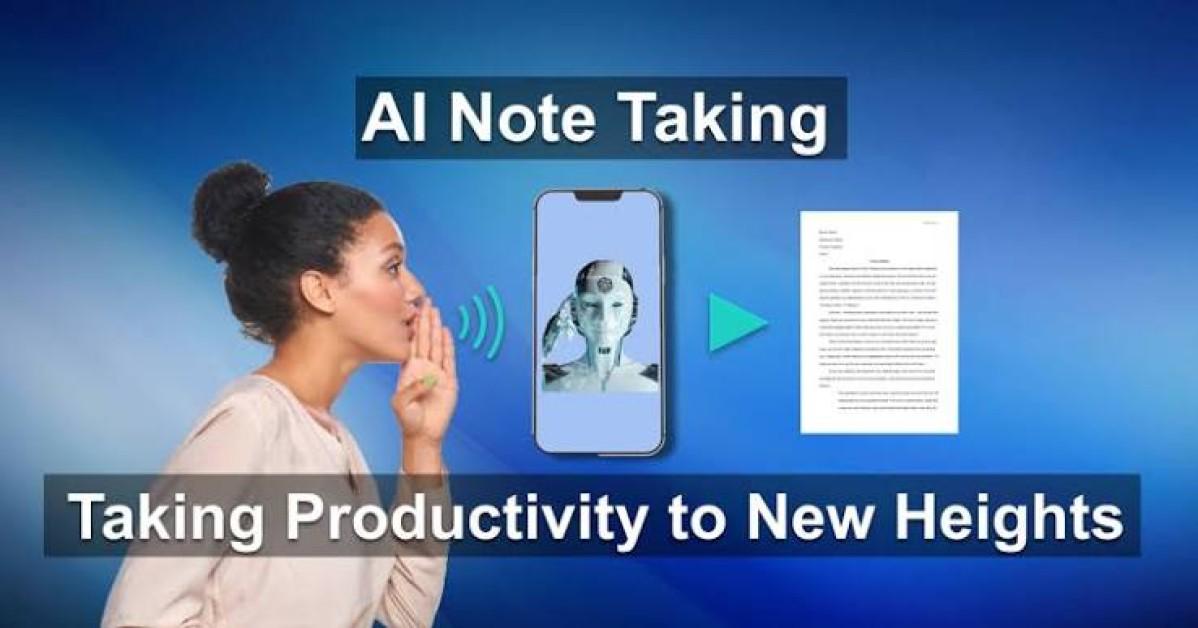
AI for Note Taking: How Artificial Intelligence Is Transforming Digital Note Taking
Artificial Intelligence (AI) is transforming note taking by helping students, professionals, researchers, and businesses capture, organize, summarize, and retrieve information more efficiently. Rather than replacing human understanding, AI acts as an intelligent assistant that automates repetitive note-taking tasks while allowing users to focus on learning, collaboration, and decision-making.
From meeting notes and lecture summaries to research organization and task management, AI-powered note-taking tools have become essential productivity solutions.
What Is AI for Note Taking?

AI for note taking refers to the use of artificial intelligence technologies to automatically record, transcribe, summarize, organize, and manage written or spoken information.
AI-powered note-taking tools analyze conversations, documents, lectures, and meetings to generate structured notes, identify important topics, and improve information retrieval.
How AI Helps with Note Taking
AI supports users throughout the note-taking process.
1. Automatic Transcription
AI can convert spoken conversations into searchable text for:
- Meetings
- Lectures
- Interviews
- Webinars
- Conferences
- Voice recordings
Users should review transcripts for names, technical terms, and specialized vocabulary.
2. Smart Note Summaries
AI automatically generates concise summaries by highlighting:
- Key discussion points
- Important concepts
- Decisions
- Conclusions
- Main ideas
- Next steps
These summaries save time and improve knowledge retention.
3. Action Item Detection
AI can identify:
- Assigned tasks
- Deadlines
- Responsibilities
- Follow-up actions
- Project milestones
Users should verify all action items before relying on them.
4. Note Organization
AI helps organize notes using:
- Categories
- Tags
- Keywords
- Topics
- Dates
- Searchable folders
This makes finding information faster and easier.
5. Research Assistance
AI can summarize information from:
- Research papers
- Articles
- Reports
- Books
- Technical documents
- Study materials
Users should verify important information against original sources.
6. Study Support
Students can use AI to generate:
- Revision notes
- Flashcards
- Study guides
- Chapter summaries
- Practice questions
- Learning outlines
These resources can complement—not replace—active learning and critical thinking.
7. Search and Retrieval
AI enables users to quickly locate:
- Specific topics
- Keywords
- Meeting discussions
- Class notes
- Project information
- Historical conversations
This improves productivity and knowledge management.
8. Workflow Automation
AI automates routine note-management tasks such as:
- Meeting summaries
- File organization
- Reminder creation
- Calendar updates
- Documentation
- Task management
This reduces manual work and keeps information organized.
Benefits of AI for Note Taking
AI offers several important advantages.
Saves Time
AI eliminates much of the manual effort involved in taking and organizing notes.
Improves Productivity
Users can focus on listening, learning, and participating instead of writing everything down.
Better Organization
AI automatically structures notes for easier searching and retrieval.
Enhanced Collaboration
Teams can share consistent meeting summaries and action items.
Improved Learning
Students and professionals can review AI-generated summaries and study materials more efficiently.
Challenges of AI for Note Taking
Despite its benefits, AI also presents important challenges.
Accuracy
AI-generated transcripts and summaries may contain errors, particularly with technical terms, multiple speakers, or poor audio quality.
Privacy
Sensitive conversations and documents should only be processed using secure AI platforms that comply with applicable privacy regulations.
Context
AI may not fully understand nuanced discussions, organizational context, or subject-specific terminology.
Human Review
Important notes, summaries, and action items should always be reviewed before being shared or used for decision-making.
Best Practices for Using AI for Note Taking
Users should follow these recommendations.
Use AI as a Note-Taking Assistant
Allow AI to automate transcription and organization while maintaining human oversight.
Review Generated Notes
Verify summaries, transcripts, names, and important details for accuracy.
Protect Confidential Information
Use trusted AI tools that provide appropriate security and privacy protections.
Organize Notes Regularly
Use tags, folders, and categories to keep information easy to find.
Continue Developing Active Listening Skills
Use AI to enhance—not replace—critical thinking, learning, and effective communication.
Common Applications of AI for Note Taking
AI is increasingly used for:
- Meeting notes
- Lecture notes
- Interview transcription
- Research summaries
- Study guides
- Action item tracking
- Knowledge management
- Voice transcription
- Team collaboration
- Project documentation
- Task organization
- Workflow automation
Future of AI for Note Taking
Artificial Intelligence is expected to become even more advanced through real-time multilingual transcription, intelligent knowledge management, context-aware summaries, personalized study assistants, automatic document linking, and AI-powered collaboration platforms. As AI technologies continue to evolve, users will increasingly rely on intelligent note-taking assistants to organize information more effectively while maintaining human judgment for interpretation, learning, and decision-making.
Conclusion
Artificial Intelligence is transforming note taking by helping users automatically transcribe conversations, generate summaries, organize information, identify action items, and streamline knowledge management. Rather than replacing human understanding, AI serves as a valuable productivity assistant that enhances efficiency and improves information organization. When combined with careful review, critical thinking, and effective communication, AI enables students, professionals, and organizations to capture and use information more effectively.
 AI for Note Taking: Benefits, Note Taking Applications, Challenges, and Future Explained FAQs
POST A COMMENT (0)
All Comments (0)
Replies (0)